Your AI logo, ready for everything.
Made a logo with ChatGPT? Drop it here and get every file your business needs: for your website, Instagram, printing and signs. Free, in seconds.
FreeNo accountDeleted after 7 days
- Drop your logoThe picture from ChatGPT, Canva or anywhere else.
- We clean it upBackground off, edges sharp, colours kept.
- Download your kitEvery file, named for where it goes.
Simple or detailed. With a name or without.
Whatever your AI made you, it comes out ready. These are examples made with AI.

Ready for the real world.
Print shops, embroiderers and sign makers ask for a proper logo file. Your kit has it. Which file to send
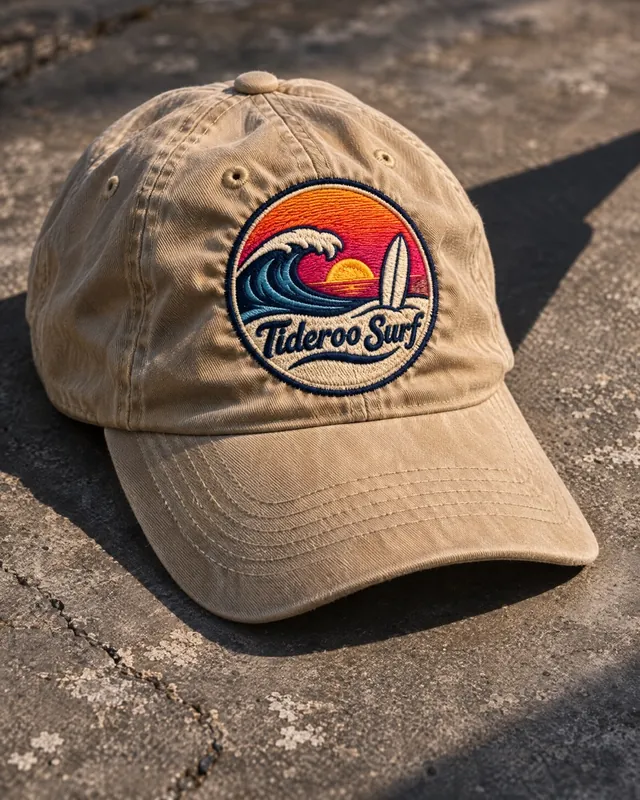
ChatGPT made you a logo. It’s not ready yet.

One zip, every file.
No design words needed. Each file is named for where it goes.
- Sharp at any sizeThe file print shops and sign makers ask for. Also for your website and Canva. SVG file
- No white boxSits cleanly on any colour, in Word, email and posts. Transparent PNG
- Black and whiteOne-colour versions for stamps, invoices and photos. SVG + PNG
- Crumb & Co · Fresh bakesBrowser tab and phone iconsThe little icon people see in their tabs and on their home screen. Favicon
- Profile picturesSquare, light and dark, for Instagram, LinkedIn, X and Facebook. PNG
- crumbandco.comLink previewThe picture people see when your website is shared in a chat. Share image
Free for the basics. $12 to get business-ready.
| What’s included | Free$0 | Business-ready kit$12 once, per logo |
|---|---|---|
| Your logo as a sharp file for printing and signs (SVG) | ||
| Your logo with no white box, plus black and white versions | ||
| The little icon for your website’s browser tab | ||
| Profile pictures, and the picture shown when your site is shared | ||
| No account, no watermark | ||
| Cover banners for LinkedIn, X, Facebook and YouTube | Not included | |
| A logo sized for your email signature | Not included | |
| Print-ready PDF and EPS files, in CMYK too | Not included | |
| Your kit link works for | 7 days | 30 days |
Make your free kit on this site first. The Business-ready kit is one click away on your kit page.
One payment, no subscription. Secure checkout by Stripe. Something wrong with your files? Email us and we’ll fix it or refund you.
Or just ask ChatGPT.
Add Logo Ready to ChatGPT or Claude once. Then, right after it makes your logo, say “make it ready with Logo Ready”.
Logo Ready isn’t made by or affiliated with OpenAI.
Questions
Do I need any design skills?
No. Drop your logo, download the zip, and use the file named for what you’re doing: “website”, “Instagram”, “print”. A short note in the zip explains each one.
What’s an SVG?
Your logo drawn as shapes instead of pixels, so it stays sharp at any size, from a business card to a shop sign. When a printer asks for a “vector” file, this is it. Your kit has one. SVG in plain words.
Which file do I send to the print shop?
The SVG. If they only take pictures, the biggest PNG, which prints sharp up to about 17 cm on its longest side. Which file for cards, signs, t-shirts and stickers.
The printer wants an EPS or PDF file.
Send the SVG first: it’s the same kind of file, and most printers can use it. If they can’t, you can turn it into a PDF or EPS for free. How, plus a reply you can copy.
Will my logo look blurry when printed?
Not with the SVG; it’s sharp at any size. The picture an AI tool gives you prints sharp only up to about 8 cm. Size guide.
What files do I need for my logo?
An SVG for printers, sign makers and embroiderers, a transparent PNG for Word, Canva and your website, a favicon for the browser tab, square profile pictures for social media and a link-preview image for when your site is shared. Your kit has all of them, each named for where it goes. More on logo files.
How do I turn a ChatGPT logo into an SVG?
Drop the image ChatGPT made into Logo Ready, then download the zip. The SVG is inside. Step by step.
How do I make my logo background transparent?
Drop your logo into Logo Ready and use a transparent PNG from the zip. A plain background works best; a busy or photo background stays in. More on transparent logos.
How do I make a favicon from my logo?
Drop your logo into Logo Ready and download the zip. The favicon folder has the little icon for your website’s browser tab. How to add it.
Can I use these files in Canva?
Yes. Upload the SVG or the transparent PNG to Canva, Wix, Squarespace, Shopify or anywhere else that takes images.
Does it change my logo?
No. It traces what you have and removes the background. It doesn’t redesign anything, so the kit is as good as the picture you start with. Flat logos on a plain background work best.
What happens to my image?
We keep it for 7 days so your kit link works, then it’s deleted. The kit itself is made in your browser. No account, no email.
Can I use the files commercially?
The files are yours. Whether the logo itself is yours to use depends on how it was made, so check the terms of the tool that made it.
My logo has a photo or a gradient.
Tracing turns soft shading into flat colours. For those logos, use the transparent PNGs; the SVG works best on flat designs.