How to turn a logo made with ChatGPT into an SVG
ChatGPT gives you your logo as a picture, a PNG or WebP made of pixels. An SVG is made of shapes instead, so it stays sharp at any size. To get one, the picture has to be traced. Drop the image into Logo Ready and the zip has an SVG traced from it, colours kept.
Step by step
- Save the logo from ChatGPT: open the image and use Download, or right-click and Save image.
- Go to logoready.app and drop the file in, or paste it.
- Download the zip. The SVG sits at the top, named after your logo, for example
leafwell.svg. - Check it: open the SVG and zoom right in. The edges should stay smooth.
Before and after
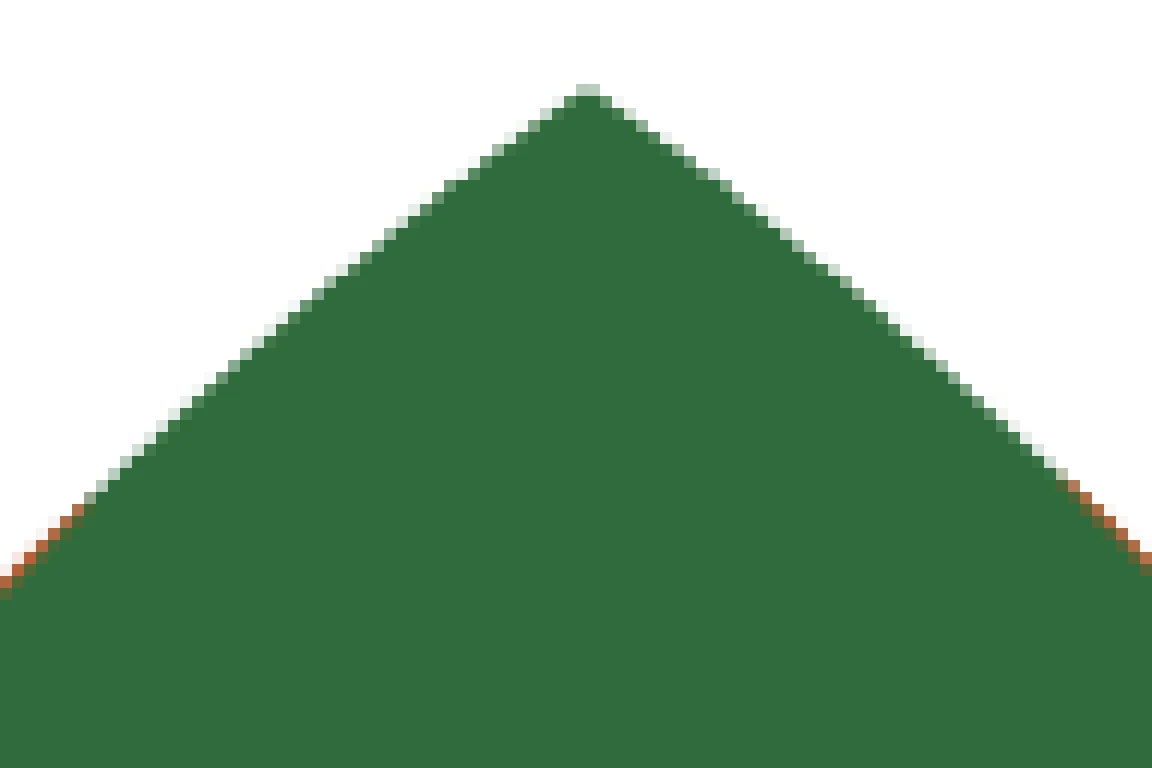
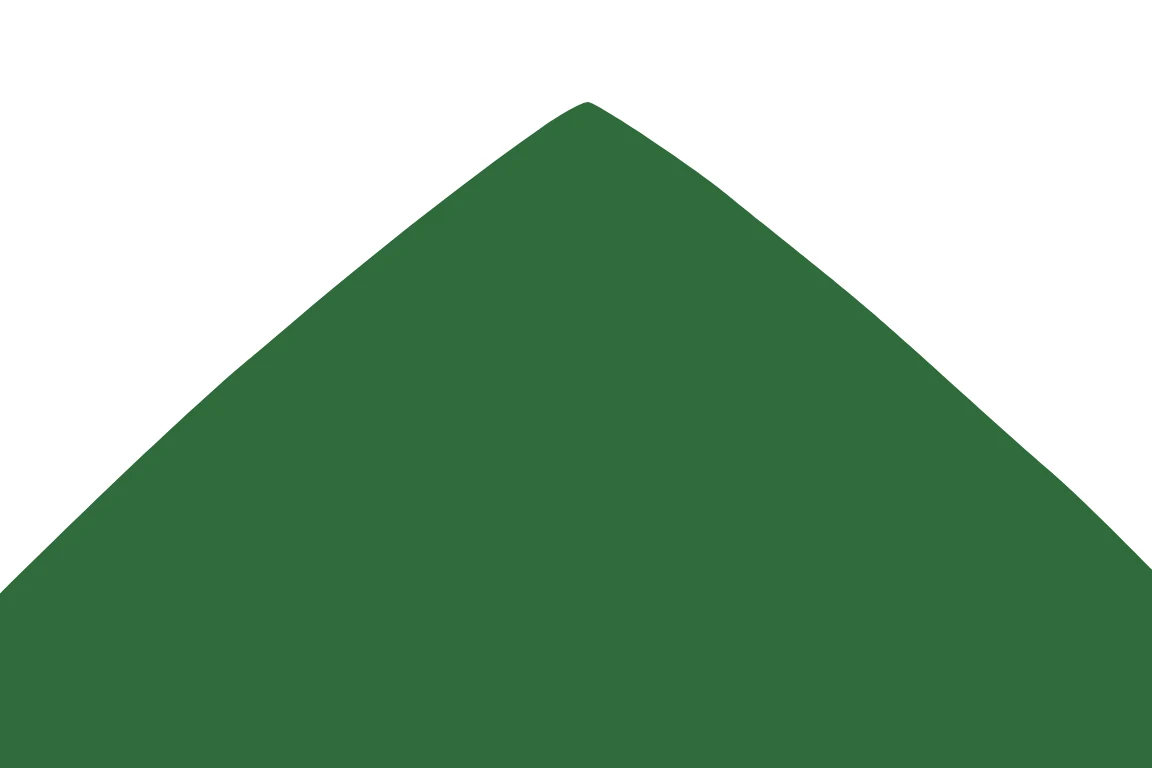
The same leaf tip from a 1024 px logo, enlarged 12 times. The picture breaks into pixels; the SVG doesn’t.
PNG or SVG?
| PNG from the chat | SVG | |
|---|---|---|
| Made of | Pixels | Shapes and curves |
| Enlarged for a sign or banner | Goes blurry or jagged | Stays sharp |
| Edit colours in Figma, Illustrator or Inkscape | Not really | Yes |
| Who asks for it | Social posts, documents | Printers, sign makers, embroiderers, web designers |
Can ChatGPT make the SVG itself?
Sometimes. When we asked ChatGPT for an SVG of a logo it had just made (28 November 2026), it offered two routes: redraw the logo as new vector paths, which it recommended, or trace the picture. It also said the redrawn lettering “may differ slightly” from the original. A redraw is a new drawing, so compare it closely with the logo you picked. Tracing keeps the logo you already like, and the kit adds every other file you need around it.
What to check in the SVG
Flat logos on a plain background trace best. Look at small lettering and thin lines first. Soft shading and gradients become flat colours. Photo-like logos are kept as pictures in the PNGs, but subtle gradients can be flattened there too, so check the transparent PNG before you rely on it.
Questions
Can I edit the SVG?
Yes. It opens in Figma, Illustrator, Inkscape and Affinity, and Canva takes it as an upload. The colours are real fills you can change.
Do I need an account?
No. Drop the image, download the zip.
Will a print shop accept it?
Most printers, sign makers and embroiderers ask for an SVG or another vector file. The SVG in your kit is that file.
My logo has a gradient. Will it trace?
Tracing turns soft shading into flat colours. Check the transparent PNG in the same kit; photo-like logos stay as pictures there, but subtle gradients can be flattened.
Is Logo Ready made by OpenAI?
No. Logo Ready is an independent product and isn’t affiliated with OpenAI or ChatGPT.