How to get a high-resolution version of your logo
A logo goes blurry when a small picture is stretched bigger than it was made. The fix is a vector version, an SVG, which is drawn as shapes and stays sharp at any size. Drop your logo into Logo Ready: the zip has an SVG traced from it and a 2048 px PNG. For flat logos the PNGs are drawn from that SVG; for photo-like logos they’re made from your original image, and the SVG is a simplified tracing.
Before and after
The same leaf tip from a 1024 px logo, enlarged 12 times.

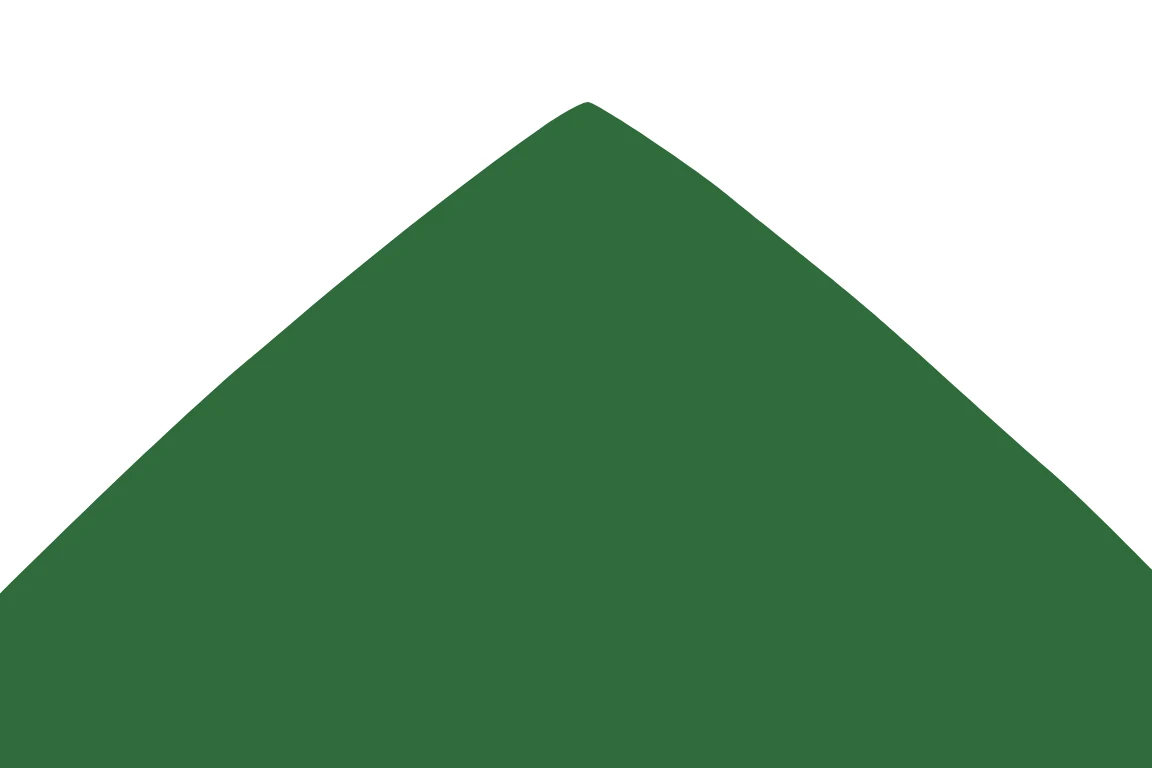
Step by step
- Find the biggest copy of your logo you have. The original download from ChatGPT or your designer beats a screenshot.
- Go to logoready.app and drop it in.
- Download the zip. Use
yourlogo.svgwherever an SVG is accepted, andpng/yourlogo-2048.pngeverywhere else.
Which file for which size
| Where it goes | Use |
|---|---|
| Website header, documents, slides | png/yourlogo-1024.png or the SVG |
| Flyers, posters, business cards | png/yourlogo-2048.png, about 17 cm on its longest side at 300 ppi, the usual print setting; check what your printer asks for |
| Signs, banners, vehicle wraps | yourlogo.svg, sharp at any size |
Why “upscaling” isn’t the same
AI upscalers guess new pixels to make a picture bigger. That can work for photos, but on a logo it often softens edges or invents details in the lettering. Tracing turns the logo into shapes instead, so edges are crisp at every size. Flat logos trace best; soft shading becomes flat colour.
Questions
What resolution should a logo be?
For screens, 1000 to 2000 px on the longest side is plenty. For print, a vector file (SVG, PDF or EPS) avoids the question altogether.
My logo is only a small JPG. Can it still be sharp?
Usually, if the shapes are clear. Tracing works from the outlines, so a small but clean logo traces well. Very small or blurry text may need a bigger original.
Does a bigger PNG fix blurriness?
Only if it has more real detail: one drawn from a vector, or a bigger original. Stretching the same small PNG just makes the pixels bigger. For flat logos, the PNGs in the kit are drawn from the traced SVG, so edges stay crisp. For photo-like logos they come from your original, so a bigger original helps.
Do I need an account?
No. Drop the image, download the zip.