How to use your logo as a profile picture on Instagram, Facebook, X and Google
Most social apps show profile pictures in a circle, so a wide logo gets its edges cut off. You need a square picture with the logo centred and some room around it. Drop your logo into Logo Ready: the zip has one, plus a dark version.
What you get
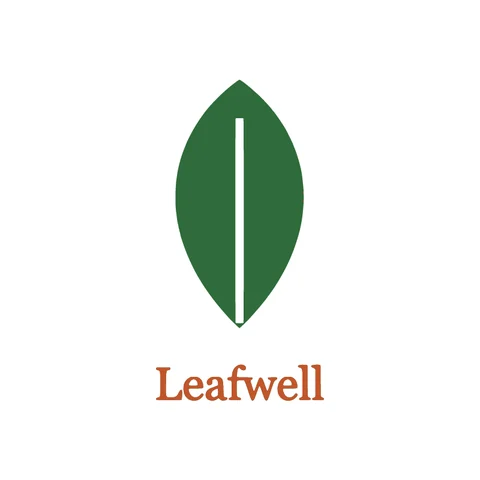
social/profile-picture.png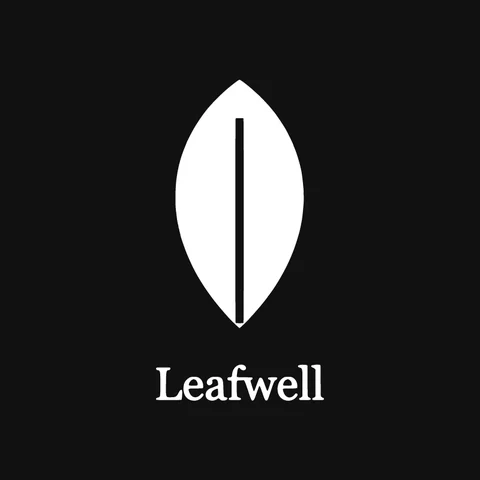
social/profile-picture-dark.pngStep by step
- Go to logoready.app and drop your logo in.
- Download the zip and open the
socialfolder. - Upload
profile-picture.pngas the profile picture of your business account. It’s 800 × 800 px with room around the logo, so it fits a circle. - Check the app’s crop preview before you save.
Where it goes
| Account | Where the logo goes |
|---|---|
| Instagram, Facebook, X, TikTok | Your business account’s profile picture |
| The logo of your LinkedIn Page, not your personal profile photo, which should show you | |
| Google Business Profile | The logo field; Google takes a JPG or PNG and lists its size limits in its help pages |
| WhatsApp Business | The business profile photo |
Tips
- Check it small. Profile pictures show tiny in feeds and comments. Look at yours on a phone; if the name is hard to read, try the dark version, or
favicon/icon-512.png, which shows just the symbol if Logo Ready finds a separate one in your logo. Preview it first. - Keep it the same everywhere, so people recognise you across apps.
- Link previews are separate. The picture that shows when someone shares your website is
social/share-image-1200x630.png. Upload it in your website builder’s social sharing settings.
Questions
Why does my logo get cut off?
Most apps crop to a circle. A square picture with room around the logo, like the one in the kit, keeps every edge inside.
What size should a profile picture be?
Each app sets its own minimum, usually a few hundred pixels square. The kit’s is 800 × 800 px, a good starting point that stays sharp on high-resolution screens. Check each app’s limits and crop preview.
Can I use my logo as my LinkedIn profile photo?
LinkedIn asks for a photo of you on personal profiles. Put your logo on a LinkedIn Page for your business instead.
Do I need an account?
No. Drop the image, download the zip.